CPU Optimization
Review applications, lower scheduling priority, or request a graceful close.
Review the controls → SysTech BoosterCLEANER SYSTEM. HIGHER PERFORMANCE.Get the App
PEAK PERFORMANCE WITHIN REACH
Your system. Your control.
Review CPU and memory usage, clean selected files,
and diagnose your connection — without blind tweaks.
Preview release · Unsigned binaries · Test before production use
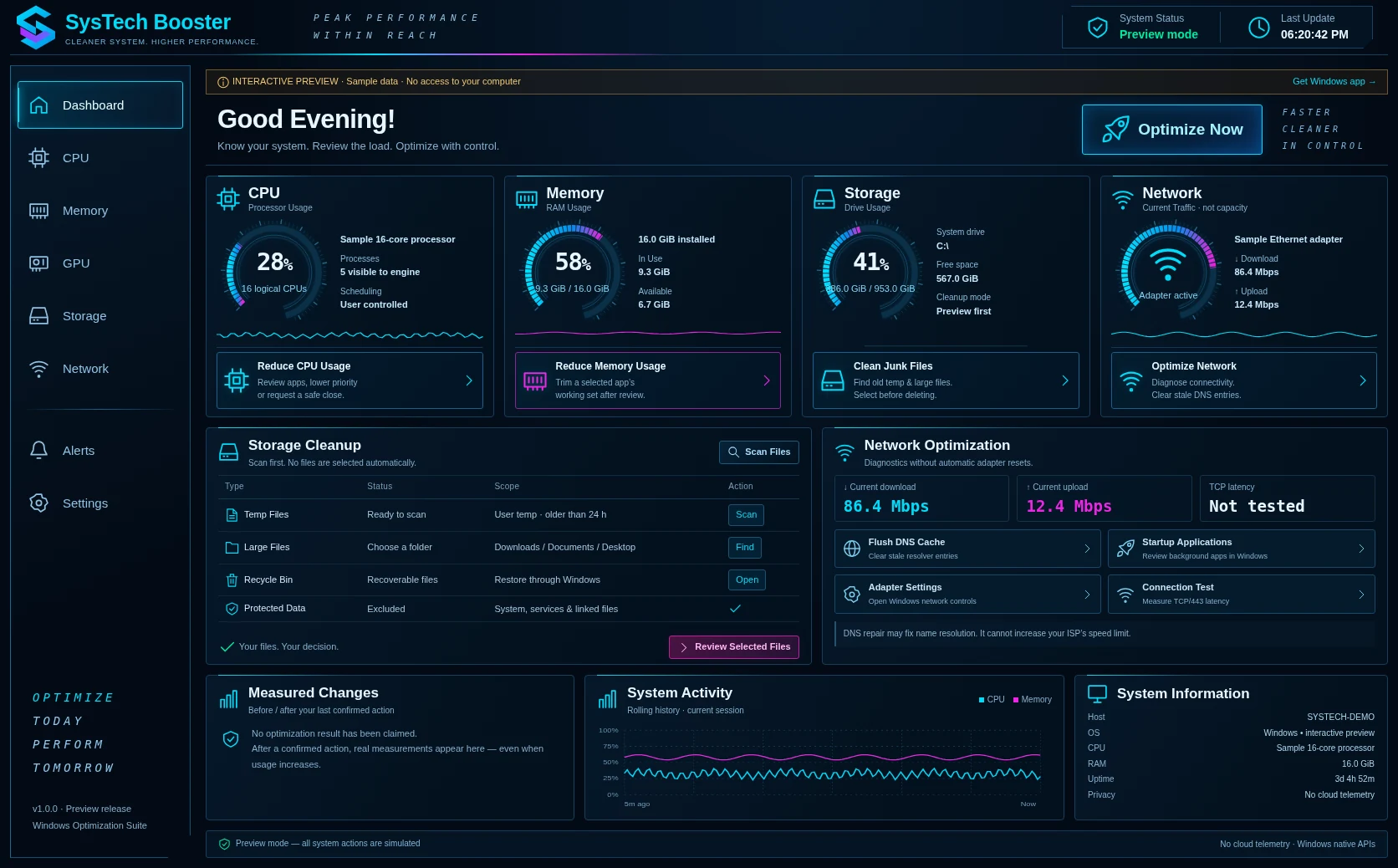
Review applications, lower scheduling priority, or request a graceful close.
Review the controls →Inspect working sets. Trim a selected application only after confirmation.
Understand the trade-offs →Find old temp and large files. Preview, select, recycle — then reclaim space.
See how cleanup works →See traffic, test TCP latency, and clear stale DNS. No invented speed gains.
Read the safety notes →Loading package list…
Download, extract, read START-HERE, then run the matching executable. No Go installation is needed to run the compiled application.
Choose your Windows architecture.
Extract the ZIP to a local folder.
Open the EXE as your normal user.
Inspect apps and scan selected folders.
Approve each individual change.
The app opens a local Edge app window, or your default browser. The Windows engine runs on 127.0.0.1 only. The public website cannot control your computer.
Scheduling priority is not a CPU cap. Working-set trimming is temporary and may increase disk activity. DNS repair does not change your Internet plan’s speed limit.
Files are never preselected. Linked and changed files are skipped. Windows confirmation remains enabled. Emptying the Recycle Bin permanently deletes all its contents.
Source and build scripts are included. These binaries are not code-signed, and native Windows operations still require testing on your own non-production machine. Do not disable security software to run them.
No. It hosts downloads and a labelled interactive preview. Real monitoring and controls are provided by the Windows executable and its authenticated local interface.
Those processes may run databases, remote access, security, backups, or unsaved work. SysTech protects Windows components and other sessions and asks you to confirm an eligible application before changing it.
This release reports the graphics-adapter name, but does not implement GPU utilization, GPU memory, thermal/fan sensors, or disk I/O throughput. Unsupported values are never filled with invented readings.
Yes. The source package contains Go code with no third-party Go dependencies, the entire HTML/CSS/JavaScript interface, tests, and release scripts. The Cloudflare upload package includes ready-to-publish static files and Windows downloads.